Polotno App — for Mac
The design app your AI agent can use
Connect ChatGPT, Claude, or any MCP client. Your agent gets real design tools. Files stay on your Mac. No login needed.
Free · macOS 13+ · Windows and Linux coming soon
your agent — connected via MCP
> Make a launch poster for our new coffee brand.
create_page · A4 poster
add_image · hero photo
add_text · headline
add_shape · accent bar
add_text · caption
Done. Saved to ~/Designs/poster.polotno
poster.polotno — local file
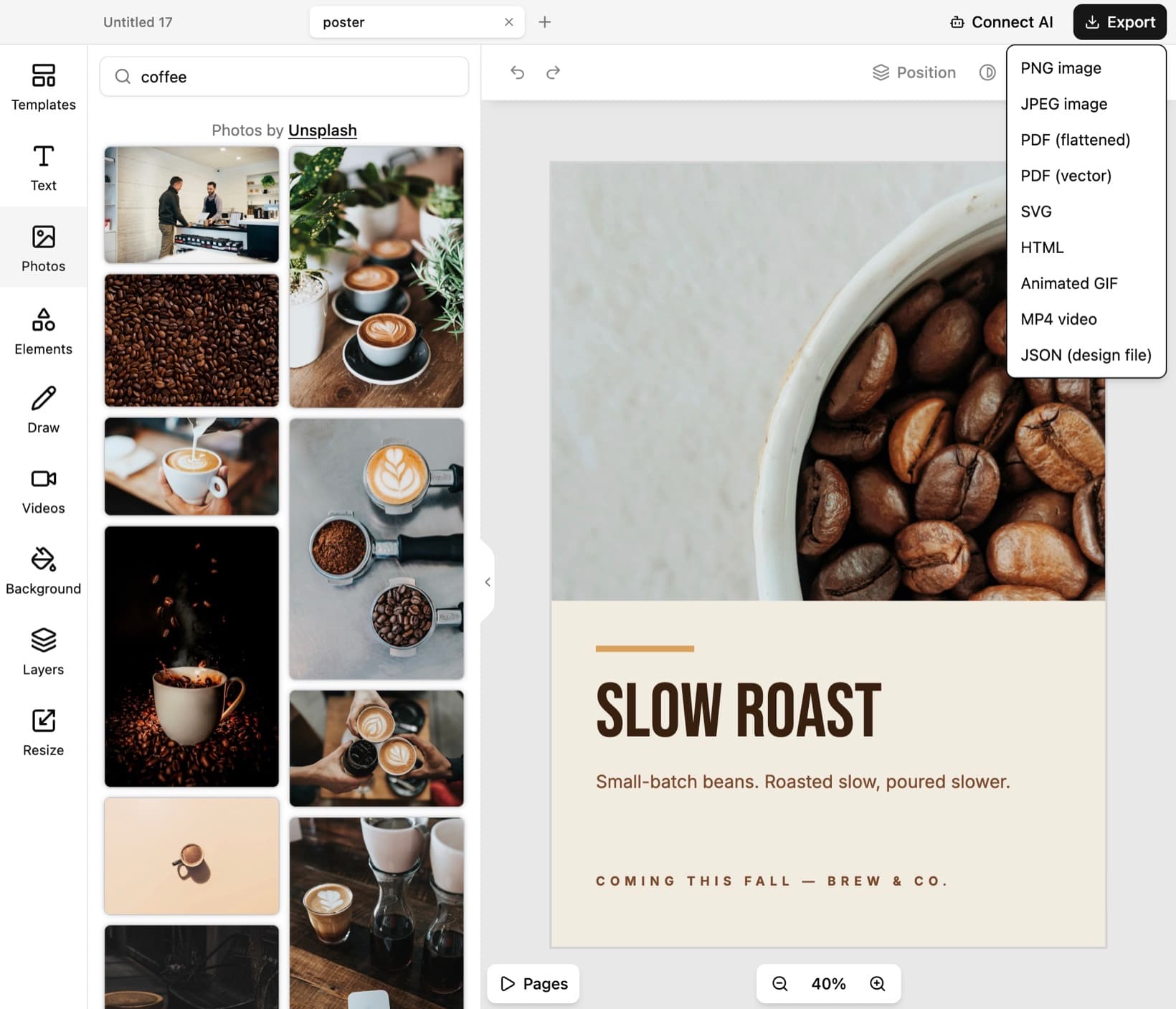
SLOW ROAST
Coming this fall — Brew & Co.
Polotno App is a full graphic design editor that runs as a native app on your Mac. It also speaks MCP, so AI agents can drive it like a human designer.
Prefer the browser? Use Polotno Studio. Want an editor inside your own product? Use the Polotno SDK.
How it works
Three steps from a chat prompt to a finished design on your disk.
01 · Connect your agent
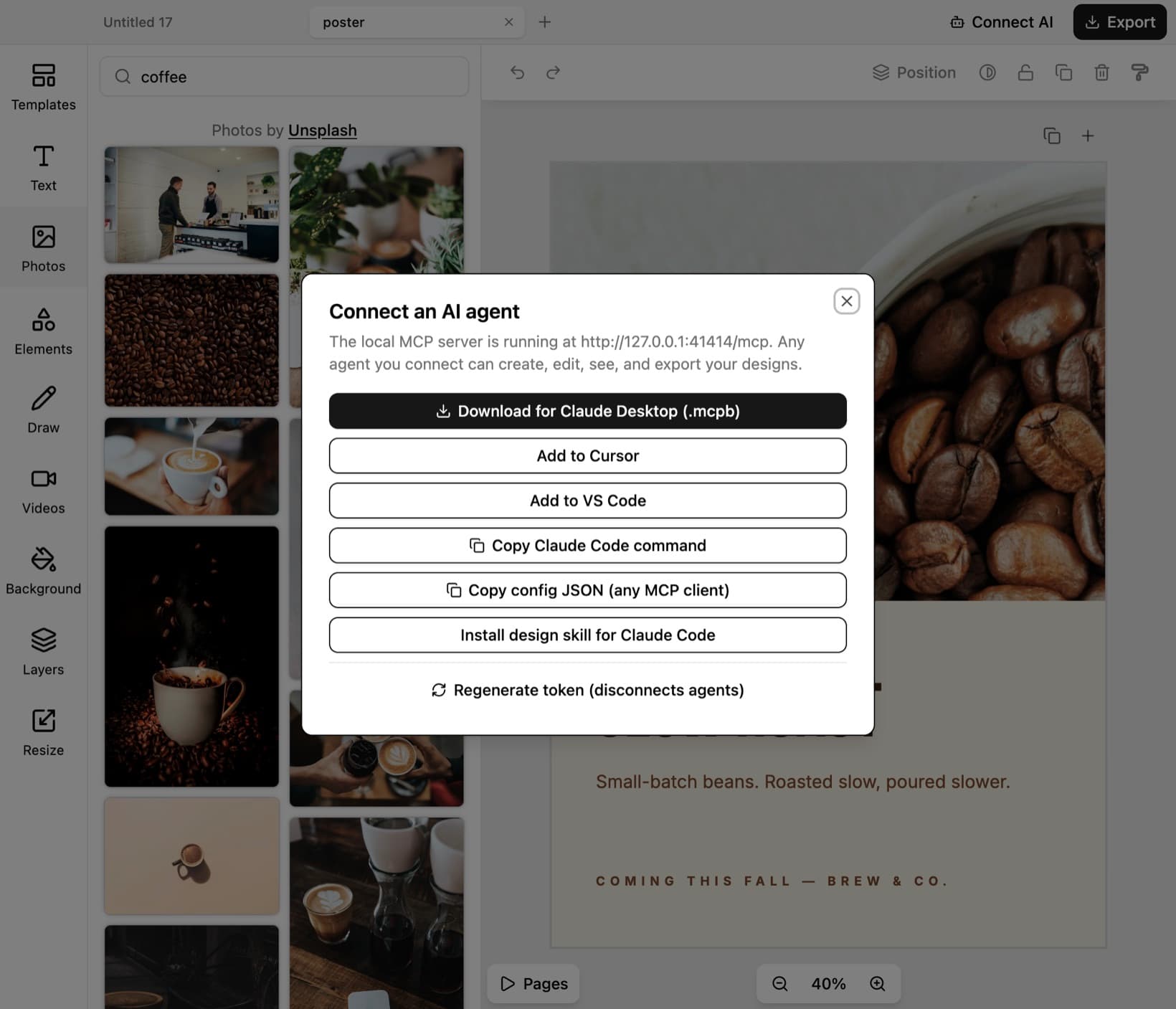
Click “Connect AI” in the app. One click for Claude Desktop, Cursor, or VS Code — or copy a config for any MCP client.
02 · The agent gets tools
Create pages, add text, place images, export files. Real design operations, not screenshots.
03 · Designs appear on your Mac
Watch the canvas update live. Edit anything by hand. Files are saved on your machine.
Built for the desktop
AI agent integration
Connect ChatGPT, Claude, Codex, or any MCP client. The agent gets real design tools.
Full design editor
Text, images, shapes, pages, export. The complete Polotno editor.
Fast and native
Quick startup. Smooth canvas. No browser tabs.
Local files
Designs live on your machine. You own them.
No login
Open the app and design. No account required.
Templates and stock
Start from templates. Use built-in stock photos.
See it on your Mac
polotno-app — live agent session
polotno-app — connect ai

polotno-app — export

Frequently asked questions
Get the app. Connect your agent.
TRUSTED BY
100,000+
CREATORS
300+
BUSINESSES