Media editor: build vs buy in the age of AI
Polotno

Live demo

T-shirt customizer

A product page with a design editor built on Polotno SDK: the customer decorates the front and back of a t-shirt, and the shop gets a print file cut to the print area. Design a shirt and download the file the printer would receive.

This is the product page of a fictional print-on-demand shop. It sells one cotton t-shirt in black, blue and red, with a 249 × 265 mm print area on the front and on the back.

Add text, photos, stickers or your own image inside the dotted line, switch between Front and Back, and change the colour. Then download the print file as a PDF or a PNG and see what the print shop would receive.

Nothing you design is saved or sent anywhere.
Loading the live demo…

A print-on-demand order has two readers. The customer wants to see the shirt they are buying. The print shop wants a file it can put on the press without asking anyone a question.

Those are two different pictures. The customer looks at a garment photo in the colour they chose. The printer needs the artwork alone, at physical size, on a transparent background, cut to the area the press can reach. A storefront that only produces the first leaves someone to make the second by hand for every order.

Here one design document produces both. The shirt, the print window and the guide line are locked layers in the same Polotno design as the customer's artwork, and the print export leaves them out.

What the customer sees

The editor opens on the front of a black shirt with the print area marked by a dotted line. The side panel carries photo search, elements and shapes, uploads, text and a sticker set. Stickers are placed at the centre of the print area.

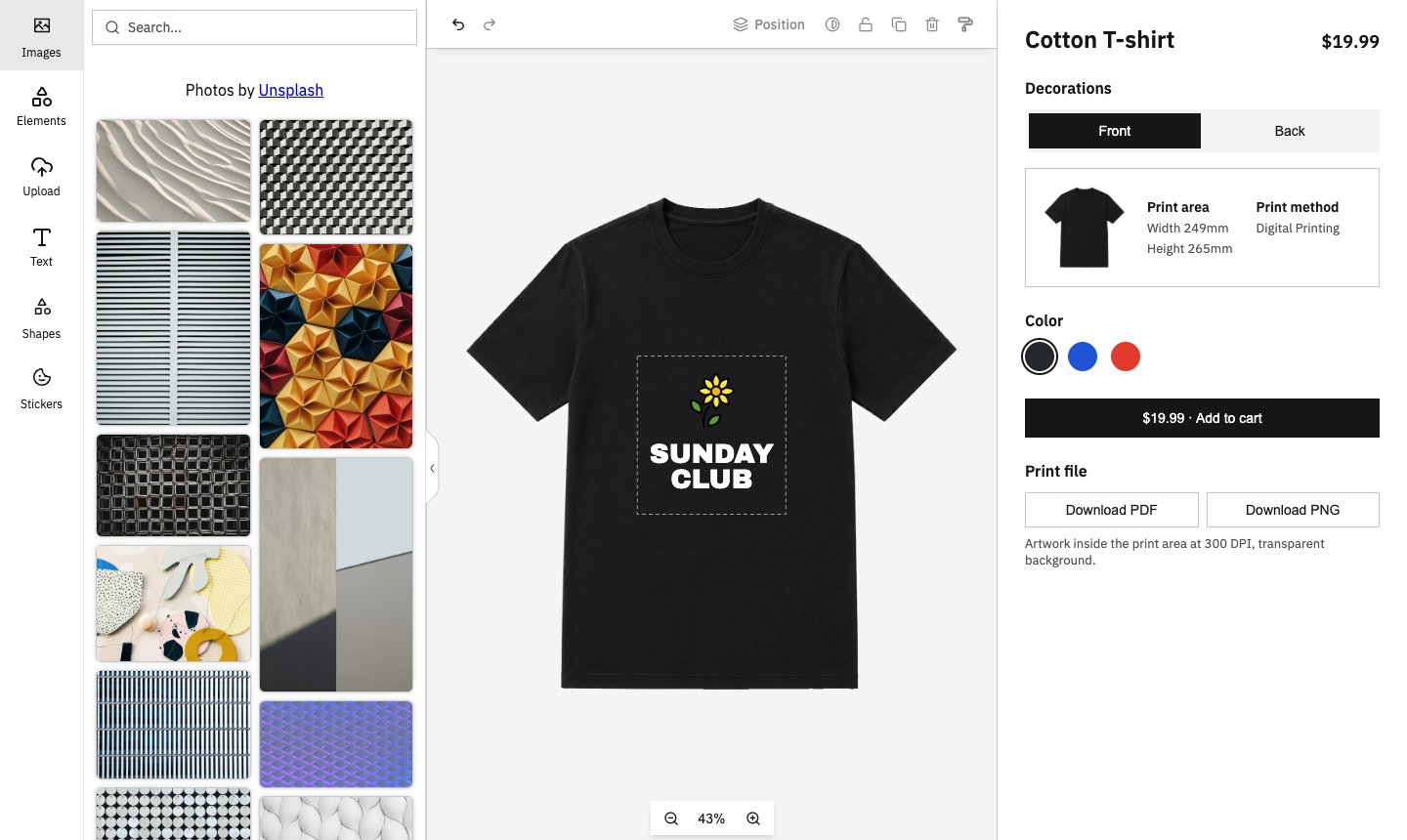
The customizer with a sunflower and a SUNDAY CLUB wordmark inside the print area on the front of a black shirt, and the product panel on the right

Editor on the left, product panel on the right: sides, colour, cart and print file.

The shirt is part of the design

The garment photo is a layer in the design, locked so it cannot be selected, moved or deleted. Above the artwork sits a second copy of the photo with the print area cut out of it, and above that the dotted guide. The only thing the customer can pick up is their own artwork.

Artwork stops at the print edge

Anything dragged past the dotted line disappears behind the shirt. The shirt on screen shows exactly what the print file will hold.

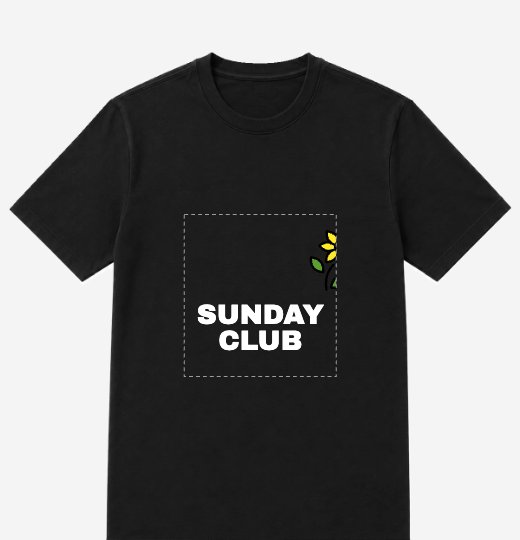
The sunflower dragged half over the right edge of the print area, with the half outside the line hidden behind the shirt

The half of the sunflower outside the line is hidden, and it is missing from the print file too.

Two sides, one design each

Front and back are separate print areas with separate artwork. Switching sides keeps each design as the customer left it. Changing the colour swaps the garment photo on both sides and leaves the artwork where it is.

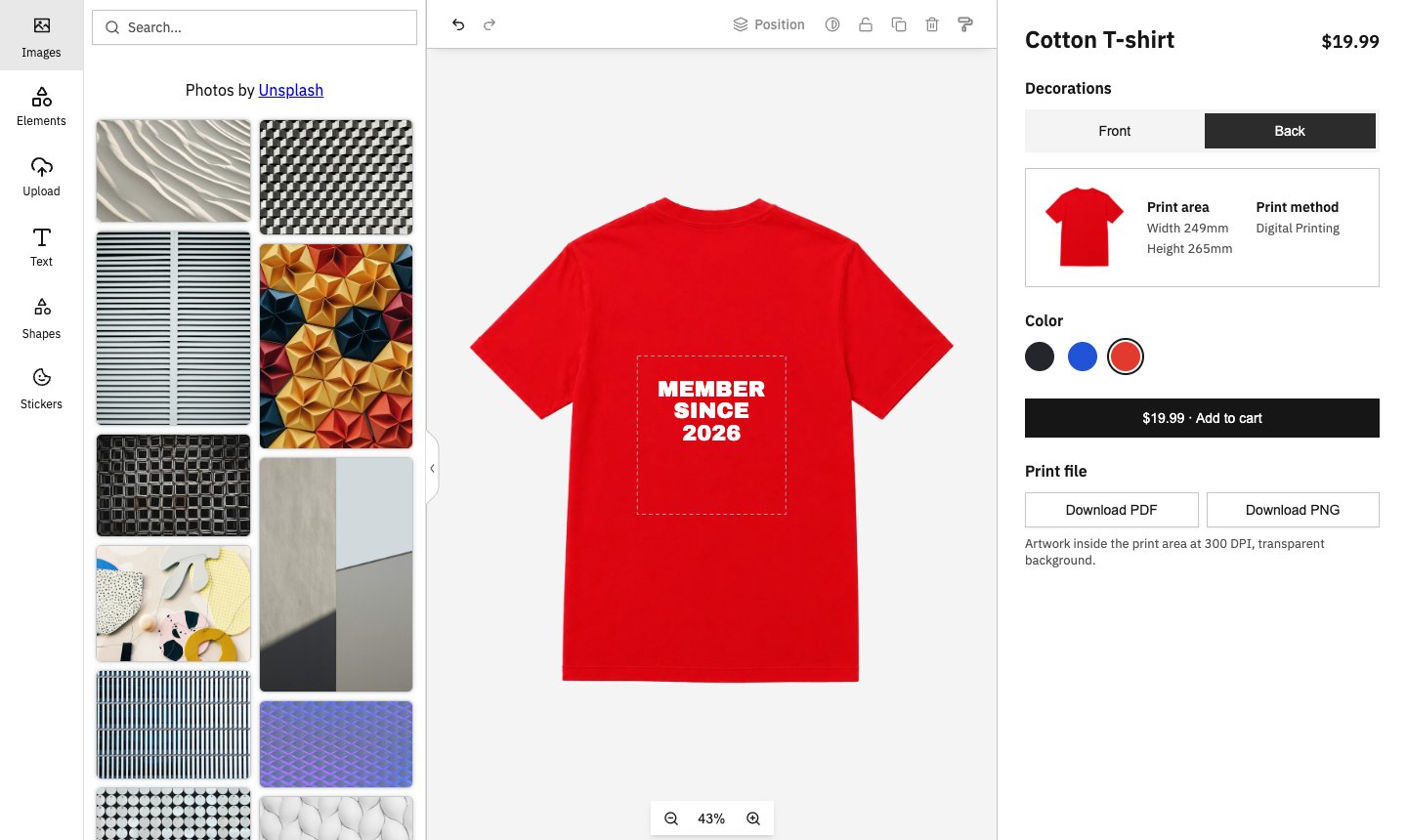
The back of a red shirt carrying its own MEMBER SINCE 2026 artwork, with Back selected in the product panel

The back has its own artwork. The colour applies to both sides.

What the print shop gets

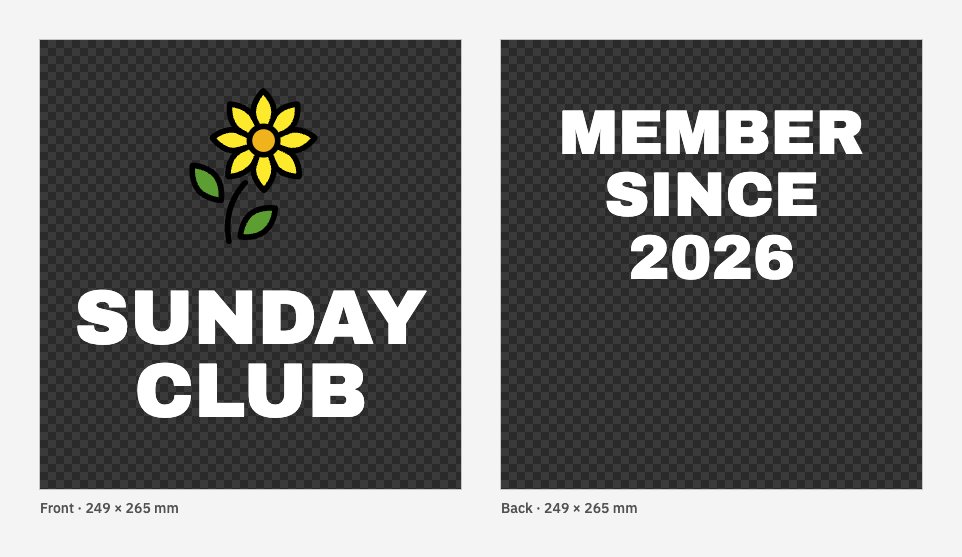
The print file holds the artwork and nothing else: no shirt, no guide line, no background. Each side comes out at 249 × 265 mm and 300 DPI.

  • PDF: one file, with the front and the back as two pages.
  • PNG: one image per side, 2941 × 3133 pixels.

The print file for the shirt above: the front and back artwork on transparent 249 by 265 mm pages

The checkerboard marks transparency. The shirt colour comes from the fabric.

The file is built in a second, hidden editor, so the customer's canvas does not change while the export runs.

Edge cases on real orders

A side left blank

Most customers decorate one side. The PNG export skips any side with no artwork, so a front-only shirt produces one file. The PDF always has two pages, so page 1 is always the front.

Nothing designed yet

Exporting a blank shirt as PNG shows a message asking for artwork instead of downloading empty images.

Rendering without the customer

The design is a JSON document, so the print file does not have to come from the customer's browser. Store the JSON with the order. When the order is paid, the server builds the same print pages from it and sends them to the rendering API. A reprint months later renders from the same document.

Where it fits

Use this if you run a print-on-demand or merch store and want customers designing on the product page, with print files that go to production as they are. Or if you build software for apparel platforms and want this inside your product. The wider print case is on the web-to-print page.

Need this built against your own products, print areas and fulfilment partner? That is work we take on. Talk to us.

Build your own editor on Polotno SDK

TRUSTED BY

100,000+

CREATORS

300+

BUSINESSES

ExpediaUnbounceLovePopPostGridPredis.ai